
Slip and anti slip additives
Slip and anti-slip additives for photopolymer 3D resins, developed to tune surface friction, handling feel and contact behavior in 3D printed parts.
3Dresyns® materials in this collection are positioned for workflows where the final surface must slide more easily or, on the contrary, provide more grip and reduced slip.
Navigate by: slip-increase route, anti-slip route and friction-control comparison logic.
This collection includes slip and anti-slip additives designed to adjust how 3D printed parts feel and behave when touched, handled or used in contact surfaces.
These materials are useful in engineering prototypes, ergonomic components, functional interfaces and consumer-facing mockups where friction level, tactile response and surface interaction matter to the final result.
Key features & benefits
Choose your friction-control route
Use the routes below to navigate the collection by target surface behavior: more slip for easier sliding or less slip for increased grip.
- Surface friction control through additive-based formulation tuning.
- Slip increase or grip increase depending on the chosen route.
- Handling feel, functional surface response and contact behavior tuning.
- Compatibility with SLA, DLP and LCD 3D resin workflows.
- Useful for both technical and appearance-sensitive printed parts where touch and surface interaction matter.
Typical applications
Typical use scenarios across the collection
This collection is suitable for workflows where the final printed part needs more controlled friction behavior instead of relying only on the base resin finish.
- Grip-enhanced parts: increasing traction and surface hold in contact areas.
- Anti-slip functional surfaces: reducing unwanted sliding in ergonomic or touch points.
- Sliding interfaces: increasing slip where smoother movement or reduced drag is preferred.
- Ergonomic components: tuning surface feel for handheld or user-contact parts.
- Wear and tactile tuning: adjusting friction response in consumer product prototypes and technical parts.
Why choose this collection
How to choose the right slip or anti-slip route
Select the most suitable route according to whether the main objective is to increase slip for smoother sliding or decrease slip for better grip and anti-slip performance.
- Need to increase slip and reduce drag on the surface → choose 3D-ADD Slip1 Bio
- Need to decrease slip and create a more grip-oriented surface → choose 3D-ADD Anti-Slip1 Bio
- Need friction tuning in a customizable resin workflow → start with the route that matches the target surface behavior, then validate dosage and printability
- Prioritise smoother sliding surfaces → start with Slip1 Bio
- Prioritise grip, handling confidence and anti-slip effect → start with Anti-Slip1 Bio
- Prioritise touch and feel tuning in prototypes → compare both routes against the final user interaction target
Decision tree summary
Use this simplified logic before moving into formulation validation and final print testing.
- Need more slip and easier sliding → Slip1 Bio
- Need less slip and more grip → Anti-Slip1 Bio
- Need to optimise tactile performance in a real part → validate the chosen route under the final resin, loading, layer height and cure settings
Then confirm the final route under the intended resin family, additive dosage, printing conditions and targeted surface feel.
Products in this collection
Slip additive for increasing surface slip
For workflows requiring smoother touch, lower drag and easier sliding behavior while maintaining a clear, non-colored additive route.
- Clear liquid slip additive.
- Bio based, safe and biocompatible positioning.
- Recommended dosage typically below 1–2% for increasing slip.
- Designed not to affect clarity or color.
- Recommended to add in 0.5% steps because excessive dosage can cause delamination in some resin systems.
- Excellent compatibility and stability with SLA, DLP and LCD 3D resins.
Anti-slip additive for decreasing surface slip
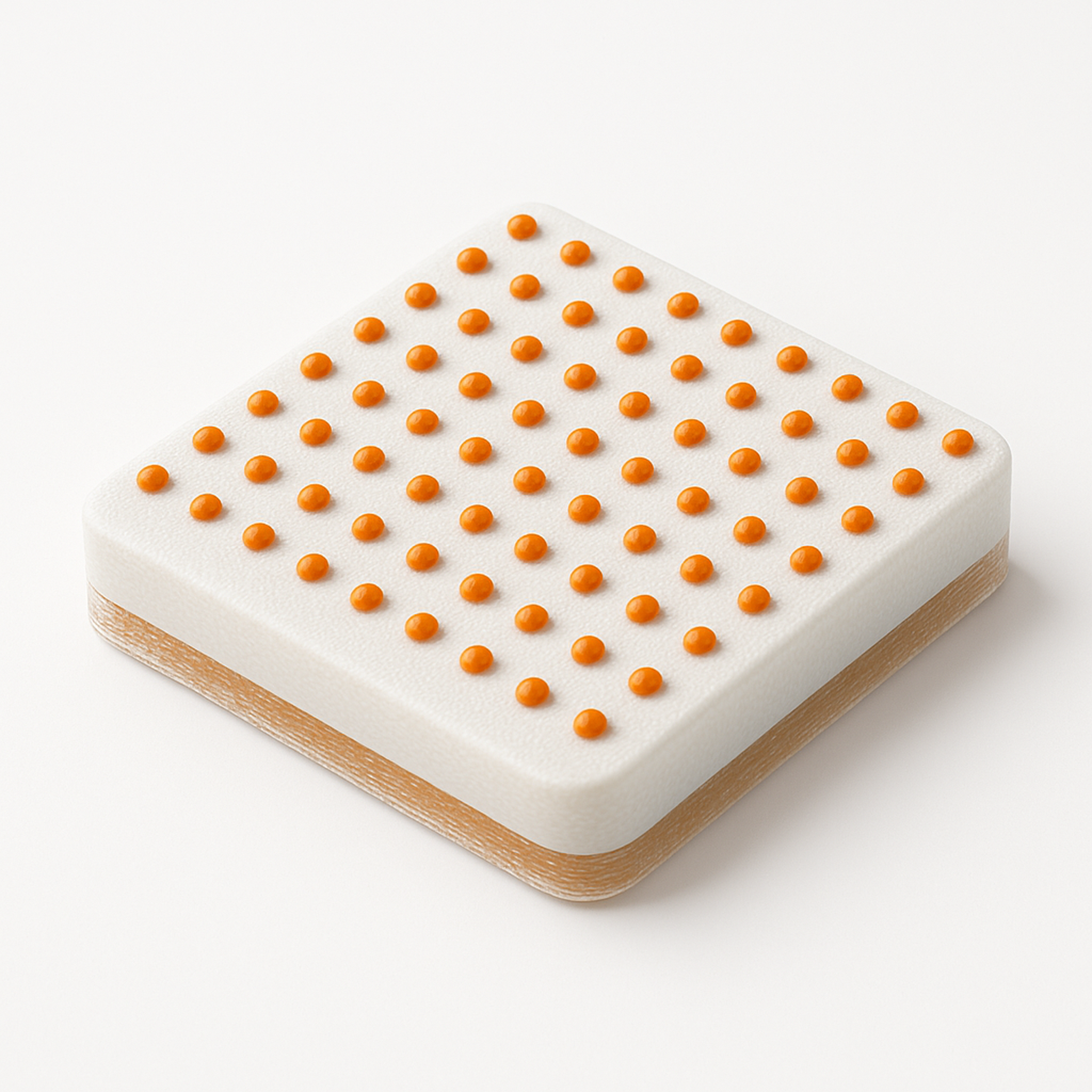
For workflows where the goal is a more grip-oriented, less slippery surface with micro-textured anti-slip behavior.
- Anti-slip additive supplied as paste.
- Micro textured for grip-oriented surface performance.
- Clear, non-colored paste filled with anti-slip particles.
- Maximum particle size 100 microns and mean particle size 50 microns.
- Recommended dosage of 10% or higher for reducing slip.
- Optimum printability at 50–100 micron z-layers.
- Excellent compatibility and stability with SLA, DLP and LCD 3D resins.
Technical overview table
Workflow-dependent friction performance
Final slip level, grip response, tactile feel and surface behavior depend on the interaction between the selected additive route, the base resin, additive loading, print settings and cure conditions.
Successful implementation therefore requires alignment between surface-friction target, additive route, formulation strategy and qualified printing workflow.
| Material | Primary role | Core concept | Main behavior | Recommended loading logic | Typical positioning | Target workflow |
|---|---|---|---|---|---|---|
| 3D-ADD Slip1 Bio | Slip additive | Bio based clear additive for increasing slip | Raises surface slip, lowers drag and supports smoother contact behavior | Typically <1–2%; add in 0.5% steps and validate to avoid overloading | Sliding interfaces, smoother-touch parts, friction-reduced prototypes and handling-feel tuning | Engineering & prototyping SLA / DLP / LCD resin workflows where clarity and color neutrality matter |
| 3D-ADD Anti-Slip1 Bio | Anti-slip additive | Micro-textured paste for decreasing slip and increasing grip | Reduces slip, improves traction and creates more grip-oriented surface feel | Typically 10% or higher; validate printability and layer strategy | Grip-enhanced parts, ergonomic touch points, anti-slip functional surfaces and tactile-control prototypes | Engineering & prototyping SLA / DLP / LCD resin workflows, especially at 50–100 micron z-layers |
Mobile: scroll horizontally to view all columns. The first column remains visible while scrolling.
Portfolio overview
A focused friction-control platform rather than a broad additive page
This collection is compact and clearly structured around two complementary routes: one for increasing slip and one for decreasing slip.
- 3D-ADD Slip1 Bio covers the smooth-sliding route.
- 3D-ADD Anti-Slip1 Bio covers the grip and anti-slip route.
- Together, they support surface-friction design across smoother or more tactile contact targets.
Workflow note
The right route depends on the surface target and the formulation system
These materials are most useful when the final interaction target is defined first: more slide, more grip, lower drag, reduced unwanted slipping or improved tactile handling.
In practice, the correct path is to define the final surface behavior first, then validate the chosen route under the intended resin family, additive load, layer thickness and exposure conditions.
Technical and commercial support
Documentation, technical selection help and workflow support
Use the resources below to move from friction-route preselection to formulation planning, print validation or broader technical support.
Final CTA
Select the right friction-control route and validate the final surface behavior
Use the route-based navigation above to identify the most relevant additive path, compare candidates in the technical overview table, and move forward with formulation-specific validation for smoother sliding or stronger grip in printed parts.
Sort by
Filters
From prototyping to industrial production, performance depends on materials, calibration and process control